
Before you launch Nightreign with Nucleus Co-op
Start with a legitimate Windows installation that launches normally outside Nucleus Co-op. Keep game files, handler files, and optional mods separate so a failed test can be rolled back.
Nightreign is its own target here. Do not assume a handler note for base Elden Ring or Seamless Co-op applies to Elden Ring Nightreign; confirm the exact title and current handler entry.
- Launch Nightreign once without Nucleus Co-op.
- Record the installed build and launcher path.
- Back up the profile or save location before a multi-instance test.
- Remove optional mods until the clean two-window test is understood.
- Keep the first test short and disposable where possible.
Match the Nightreign handler to the game build
The handler supplies game-specific launch paths, arguments, isolation rules, and workarounds. Its status can change after a patch, so check the current Handler Hub notes on the day you test.
If the handler is missing, outdated, or written for another edition, stop at that layer. Copying files from a different Elden Ring setup can make the result harder to diagnose.
| Check | Why it matters |
|---|---|
| Handler entry | Confirms the current Nightreign-specific path and notes. |
| Game build | Avoids testing a handler against an unsupported patch. |
| Normal launch | Separates a Nucleus issue from a game or launcher issue. |
| Optional mods | Keep them out of the first compatibility test. |
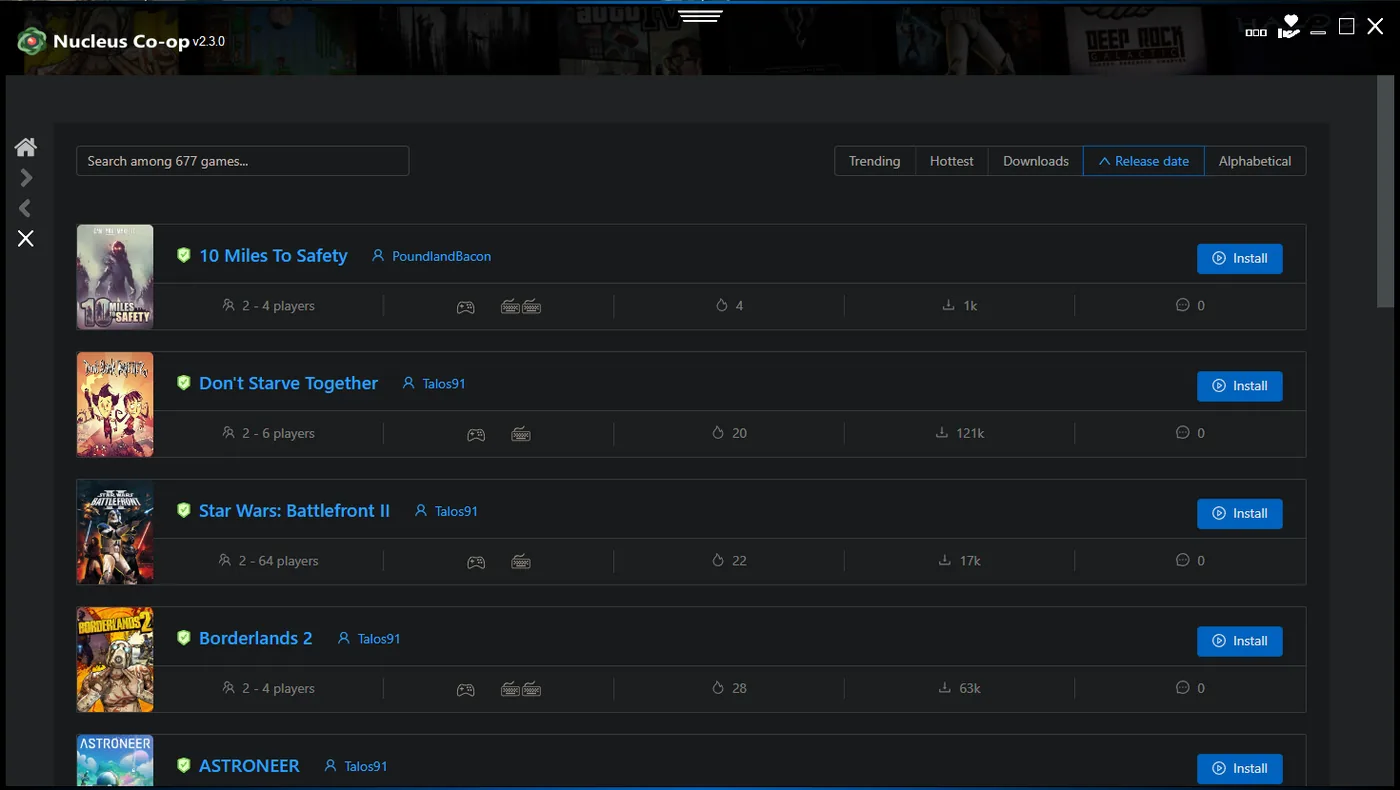
Test controllers and window layout
Create the smallest useful test: two instances, two known input devices, and a stable desktop layout. Check one window at a time before adding more players or remappers.
If one controller controls both instances, inspect input isolation, device duplication, focus, and the handler's expected input API before changing graphics settings.
Assign devices
Connect the two known controllers and verify that Windows sees them separately.
Create two windows
Launch the minimum number of instances and confirm each window has the intended focus and size.
Run a short session
Move each character independently before testing connection or extra tools.
Treat connection and saves as separate checks
Nucleus Co-op can coordinate processes, windows, and local inputs, but the game and handler still control session creation, network behavior, and save paths. A successful launch is not proof that every multiplayer mode works.
Test connection behavior after input separation is stable. Record whether the session is local, LAN, online, or handler-specific, and do not promise online support from the existence of two windows.
Investigate Deep of Night save problems safely
Search demand includes reports such as “Deep of Night not save,” but a keyword is not a compatibility guarantee. Reproduce the issue in a short disposable run and compare a normal single-instance save with the Nucleus session.
Back up the original profile before changing paths, importing a save, or updating the handler. If a run does not persist, record which instance wrote the file and whether the game closed cleanly.
- Back up the original save or profile outside the working folder.
- Test one normal Nightreign session before testing two instances.
- Use one handler and one game build per test record.
- Close both instances normally before checking the save.
- Do not copy an unverified save over the only original.
| Save check | Record |
|---|---|
| Single instance | Does a normal Nightreign run save and reload? |
| Two instances | Which instance created or changed the file? |
| Exit state | Did both processes close cleanly? |
| Handler change | Did the result change after a handler or build update? |
Keep a reproducible Nightreign Nucleus Co-op test record
A short record is more useful than a broad claim of support. Write down the date, game build, handler note or revision, instance count, input devices, window layout, connection mode, and save result.
After a Nightreign patch or handler update, repeat the same disposable test and change one variable at a time. Keep original files separate from experiments.
- Test date and Windows version.
- Nightreign build, launcher, and handler source.
- Instance count and window layout.
- Controller assignment and input-isolation result.
- Connection mode and exact failure stage.
- Save backup path and reload result.
| Record | Example question |
|---|---|
| Build and handler | Which Nightreign build and handler notes were tested together? |
| Launch stage | Did both windows reach the intended session? |
| Connection | Was the result local, LAN, online, or handler-specific? |
| Save safety | Was the original profile backed up before the test? |
Practical notes for a stable setup
Elden Ring Nightreign Nucleus Co-op FAQ
How do I set up Elden Ring Nightreign with Nucleus Co-op?
Launch Nightreign normally, check the current handler and exact game build, assign separate inputs, test two windows, and record connection and save behavior.
Does the Elden Ring handler work for Nightreign?
Do not assume the base Elden Ring handler applies. Check the current Handler Hub entry for Nightreign and match its notes to your installed build.
Why does one controller control both Nightreign instances?
Check input isolation, device duplication, focus, and the handler's expected input method before changing display or save files.
Can I play Nightreign online with Nucleus Co-op?
Only if the current game and handler provide a supported connection path. Nucleus Co-op itself does not add online support.
Why does Deep of Night not save in Nucleus Co-op?
Back up the original profile, compare a normal single-instance save with a short two-instance test, and record which instance wrote the file before changing the handler or build.
Build a clean baseline before testing
Use the install, handler, controller, and troubleshooting guides to remove general variables, then return to these Nightreign-specific notes.
Open the install guide