

Before you launch Vampire Survivors with Nucleus Co-op
Launch Vampire Survivors normally from your legitimate Windows installation and confirm that the game reaches its menu before adding Nucleus Co-op. Steam lists the game with co-op features, so compare the native local-co-op route with a multi-instance workflow first. A separate Nucleus page is useful for handler and input checks, not as a promise that Nucleus is required for every co-op session.
Use the smallest useful first test: the current game build, the current handler notes, two known input devices, and a short run that ends cleanly. If your goal is online co-op, read the game's own connection information and the site's online guide; Nucleus Co-op coordinates local processes and inputs but does not create an online service.
- A legitimate Vampire Survivors installation that launches by itself.
- The exact game build, launcher path, and current handler source.
- Two known controllers or the simplest input path for the baseline test.
- A decision about whether native co-op already fits the session.
- A backup of important saves before changing versions or instance settings.
Match the Vampire Survivors handler to the game build
Handler compatibility is version-sensitive. Check the current Vampire Survivors entry in the official Handler Hub, compare its executable and player-count notes with your installation, and record the handler date or revision before you launch. Do not treat a video or an old community post as proof that the same build still behaves the same way.
If the handler cannot find the game, first verify the normal launch path, edition, permissions, and executable. Keep game files, Nucleus Co-op files, and handler files as separate sources. If native local co-op works but the multi-instance route does not, that is a compatibility boundary to record rather than a reason to copy an unrelated fix.
| Check | Why it matters |
|---|---|
| Game edition and build | A patch can change the executable, save path, input behavior, or launch timing. |
| Handler source and date | The handler may target a particular build, launch argument, or player count. |
| Native co-op route | Vampire Survivors may offer a simpler in-game co-op path than multiple processes. |
| Connection mode | Local co-op, LAN, online service, and handler behavior are separate questions. |
| Save profile | A short test should not overwrite the only copy of an important profile. |
Test Vampire Survivors controllers and window layout
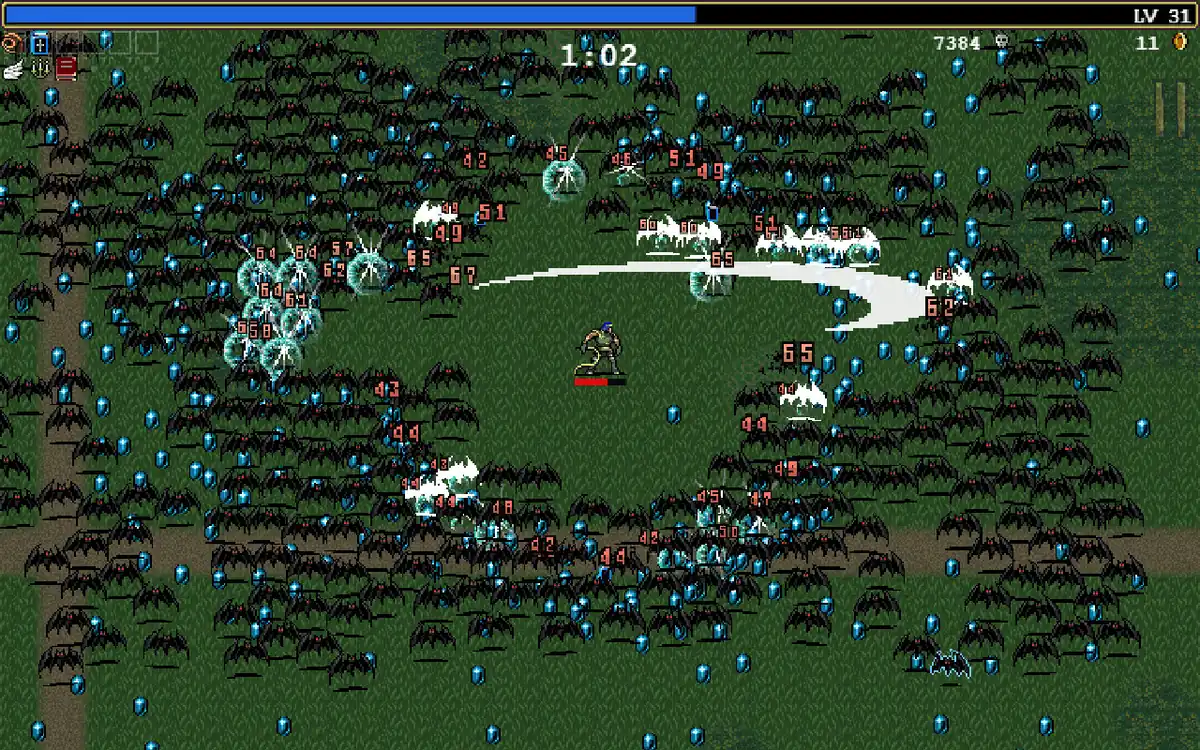
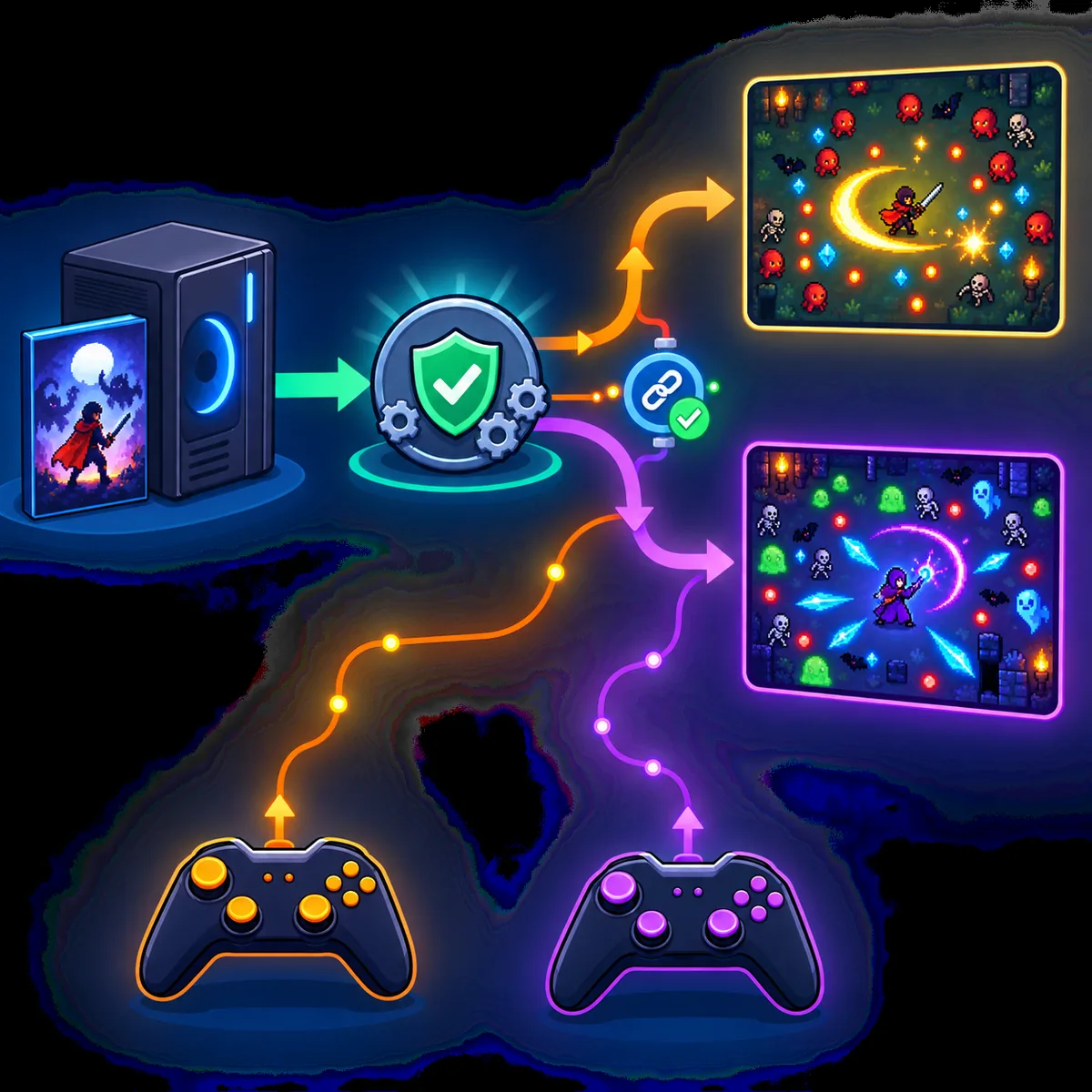
Start with two known Xbox/XInput-style controllers or the exact input path documented by the handler. Test one player at a time and verify that movement, menus, and pause input stay with the intended instance. If one controller controls both windows, investigate device duplication, focus, virtual input tools, and the handler's isolation method before changing resolution.
The broad search intent behind Vampire Survivors co-op includes controller questions, but the correct answer depends on the devices and route on your PC. Pair or plug in controllers before launch, use the default layout first, and add PS4/DirectInput translation or remapping only after the baseline works.
Connect the devices
Pair or plug in the controllers before the handler starts any instances.
Test player one
Move, open a menu, and pause in only the first intended window.
Test player two
Repeat the check and confirm the first input remains independent.
Change one variable
Only after the baseline works, test remappers, extra players, or a custom layout.
Separate native co-op, online play, and saves
A question such as “is Vampire Survivors multiplayer?” needs a precise answer: the game can expose its own co-op features, but the exact mode, platform, build, and handler path still matter. Nucleus Co-op can coordinate processes and local inputs when the current handler supports the route; it does not turn a local session into an online service. Follow the game's own lobby or connection instructions and use the online guide for the network boundary.
After a short run, exit both instances cleanly and check what profile or save folder changed. Do not assume that two windows mean separate saves, shared saves, or safe simultaneous writes. Back up the original profile, record the path, and test one change at a time before a longer Vampire Survivors co-op session.
Keep a reproducible Vampire Survivors Nucleus Co-op test record
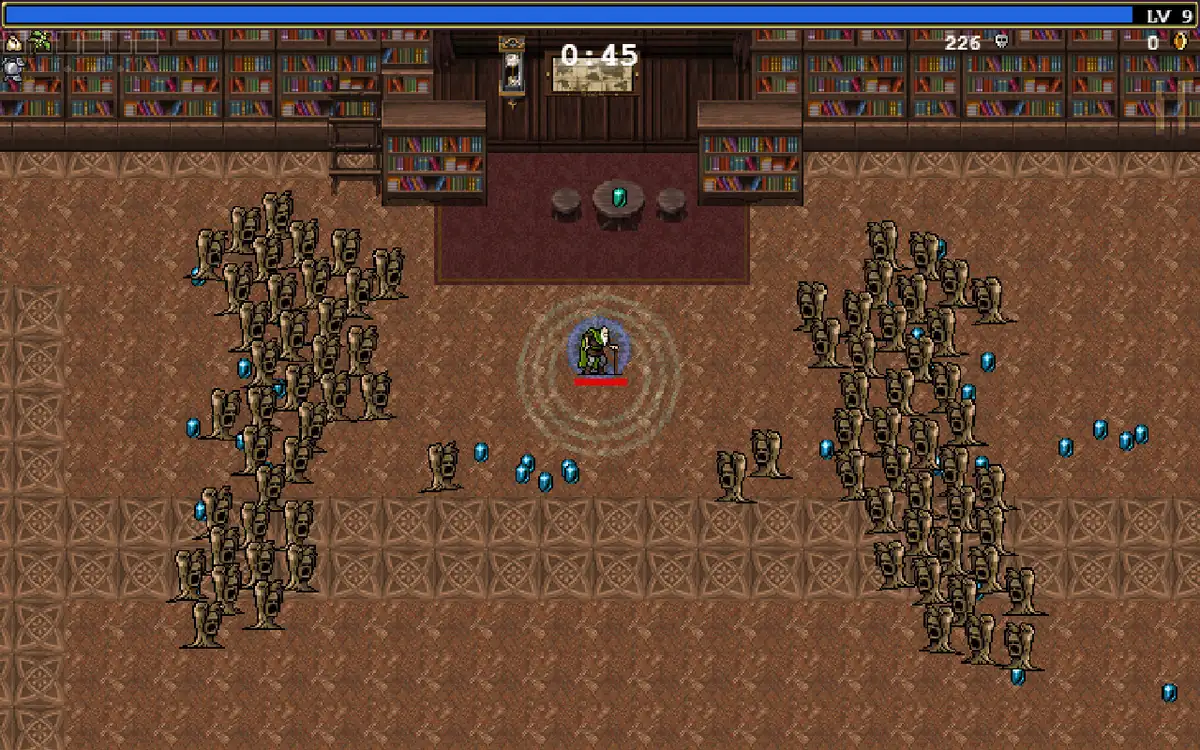
Before changing a working Vampire Survivors Nucleus Co-op setup, record the application version, handler source or date, game build, executable path, instance count, controller type, window layout, connection route, and save result. Include whether the same session worked through native co-op without Nucleus. This makes a failure report useful even when the search phrase only says “Vampire Survivors co-op.”
When the game or handler updates, repeat the same short test and change one variable at a time. If the second window closes, a controller crosses between instances, the connection step is unclear, or the save path changes unexpectedly, stop before a long run and preserve the exact error stage.
- Application and handler version or date.
- Vampire Survivors build, launcher, and executable path.
- Native co-op result compared with the Nucleus test.
- Instance count, window layout, and controller assignment.
- Connection mode and exact failure stage.
- Save backup location and the folder changed after clean exit.
| Record | Example question |
|---|---|
| Build and handler | Which game build and current Handler Hub notes were tested together? |
| Input | Which physical device controlled each player or window? |
| Connection | Was the result native local co-op, Nucleus local, LAN, online, or unverified? |
| Saves | Which folder changed, and was the original backed up first? |
Practical notes for a stable setup
Vampire Survivors Nucleus Co-op FAQ
How do I set up Vampire Survivors with Nucleus Co-op?
Launch the game normally, check the current Handler Hub entry and exact build, decide whether native co-op is sufficient, then test separate inputs and a short multi-instance session if the handler documents that route.
Is Vampire Survivors multiplayer or co-op?
Steam lists co-op features, but the exact mode depends on the game version and platform. Use the game's own co-op path when it meets your needs and do not infer Nucleus compatibility from the store listing alone.
Can I play Vampire Survivors online with Nucleus Co-op?
Only use an online route documented by the game and current handler. Nucleus Co-op does not create an online service, so a successful local multi-instance launch is not proof of online support.
Why does one controller control both Vampire Survivors instances?
Check input isolation, duplicate or virtual devices, window focus, the controller API, and the handler's current notes before changing resolution or save files.
Can I use a PS4 controller for Vampire Survivors Nucleus Co-op?
Possibly, depending on the controller API and translation layer. Start with the simplest known device, confirm Windows sees it once, and add PS4 mapping only after the baseline test is stable.
Are Vampire Survivors saves shared between Nucleus instances?
Do not assume either shared or separate saves. Back up the original profile, run a short test, exit cleanly, and record which folder changed before importing or copying anything.
Need a clean Nucleus Co-op baseline?
Use the install, controller, online, and troubleshooting guides to remove general variables, then return to these Vampire Survivors-specific checks.
Open the install guide